Playground is here
Playground is a small games hub inside Chat Enhancer for quick matches with other viewers in the same stream.
 Chat Enhancer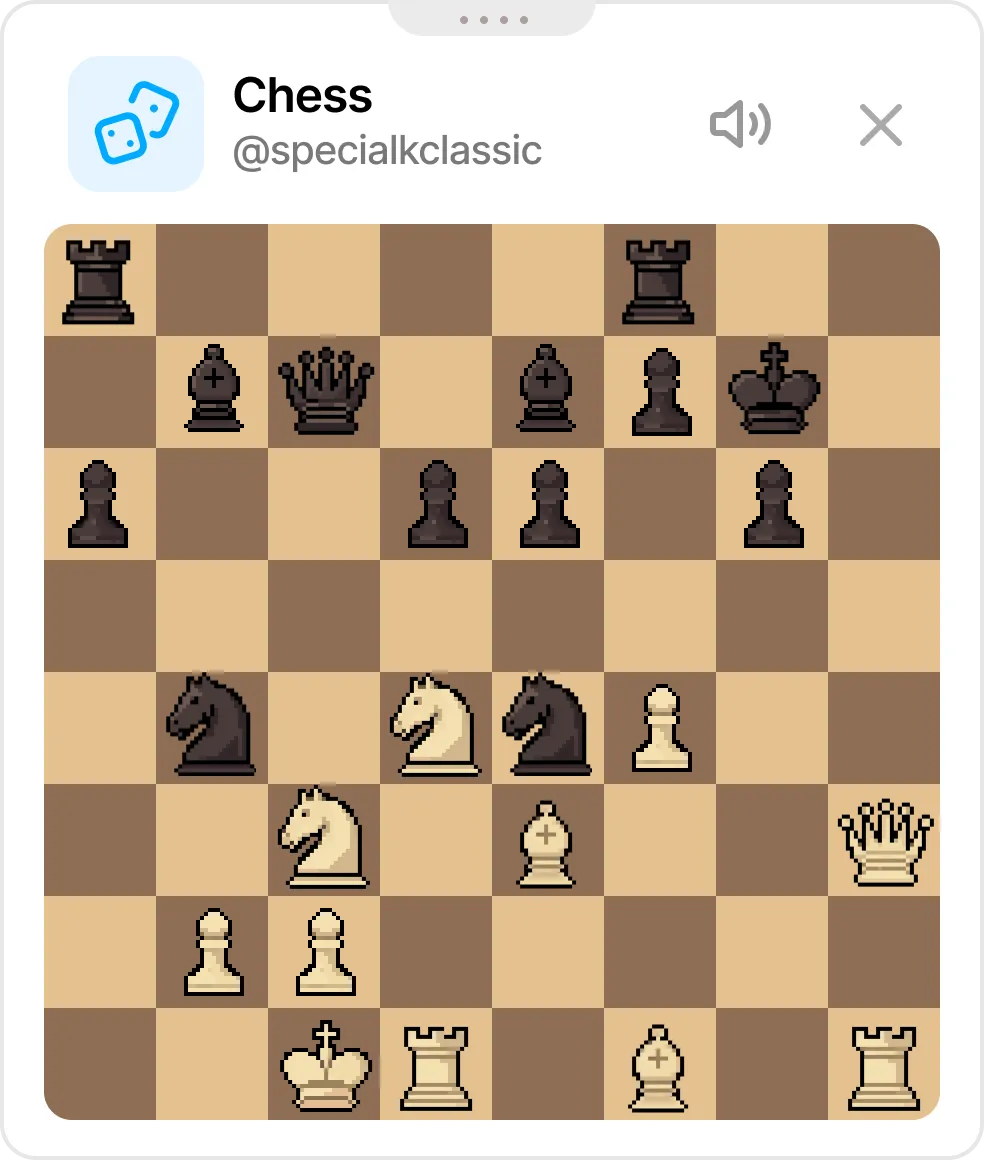
Games use a compact, draggable panel that stays near chat without taking over the page.
How Chess works
Open the Games panel, pick Chess, and invite someone available in the same stream. When they accept, the board opens in a small floating panel over live chat.
Moves follow normal chess rules, turns stay synced, and the match can end by checkmate, draw, or resignation.
If nobody else is available, choose Computer (Beginner), Computer (Club), or Computer (Master) from the player list.
Why it belongs in live chat
Playground is designed for quiet moments in a stream, so it keeps YouTube visible:
- It uses a compact, movable board.
- It only shows available players who are also using Chat Enhancer in the current stream.
- You can return to chat immediately.
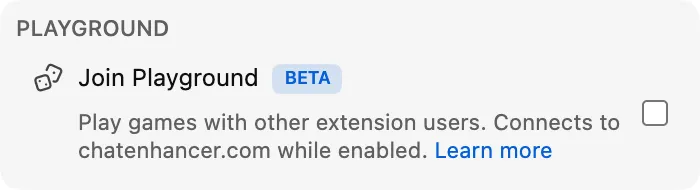
Enable Join Playground for the Games icon to appear in chat.
Inside the Games panel, turn on Available for games when you want other players to see you. If you usually want to be available, turn on Available by default in the extension settings.
More than Chess now
Playground has grown since this first Chess preview. You can also play HELP-A-FRIEND! Trivia, while The Wild Wild Chat turns live chat into a fast bounty hunt.
If you have any suggestions, you can email us at [email protected].