

Translate as you chat
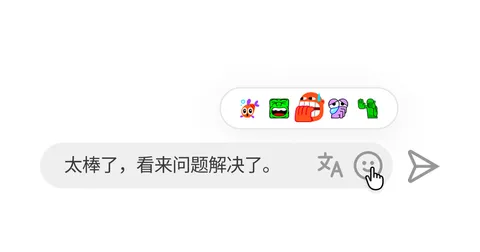
Read incoming messages in your language, or translate what you're typing before you send it.
Suite of enhancements that make YouTube live chat easier to follow and participate in.
Extension for YouTube live chat
Not affiliated with YouTube or Google.
Read incoming messages in your language, or translate what you're typing before you send it.
Mention or quote people quickly, keep one conversation visible, and recover unsent drafts after refreshing the same stream.
Click an avatar to review recent messages, save the ones you want to keep, and open their channel when needed.
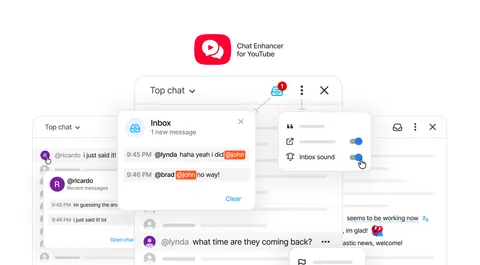
Mentions and messages with custom keywords you choose go straight to your inbox, with optional sound alerts.
Your most-used reactions stay at the top of YouTube's emoji picker.
Press Tab to expand short commands into mentions, quotes, time helpers, translations, inbox watches, and settings.
View command reference
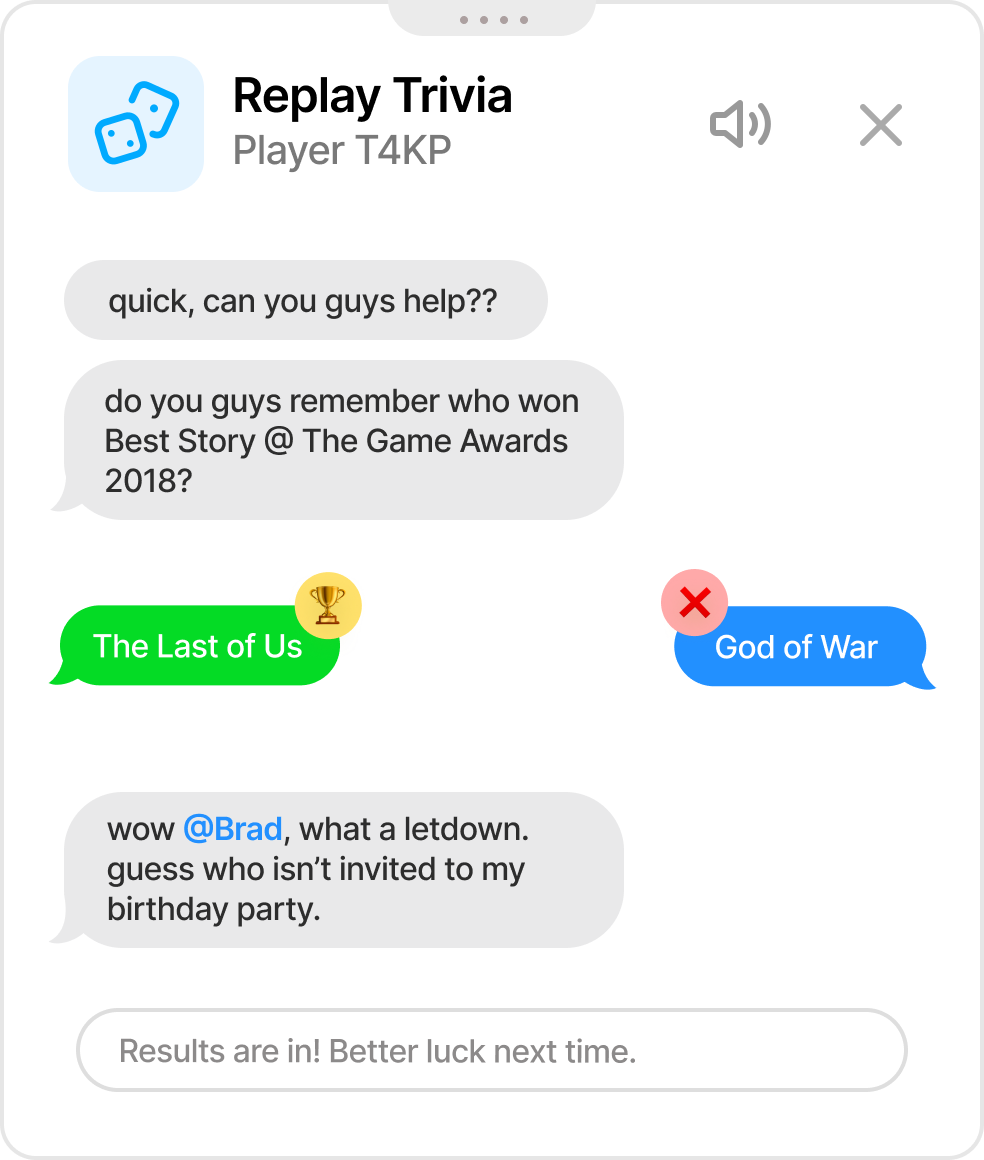
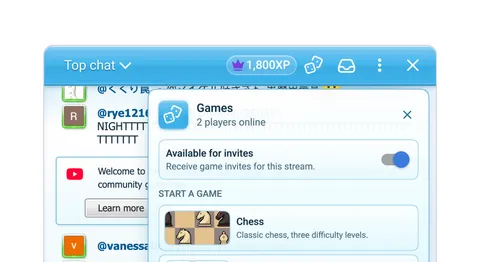
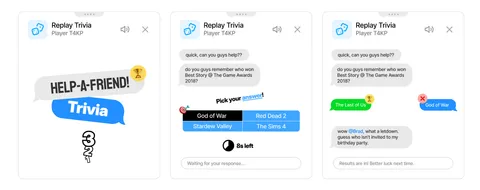
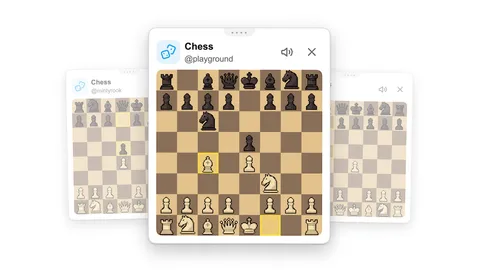
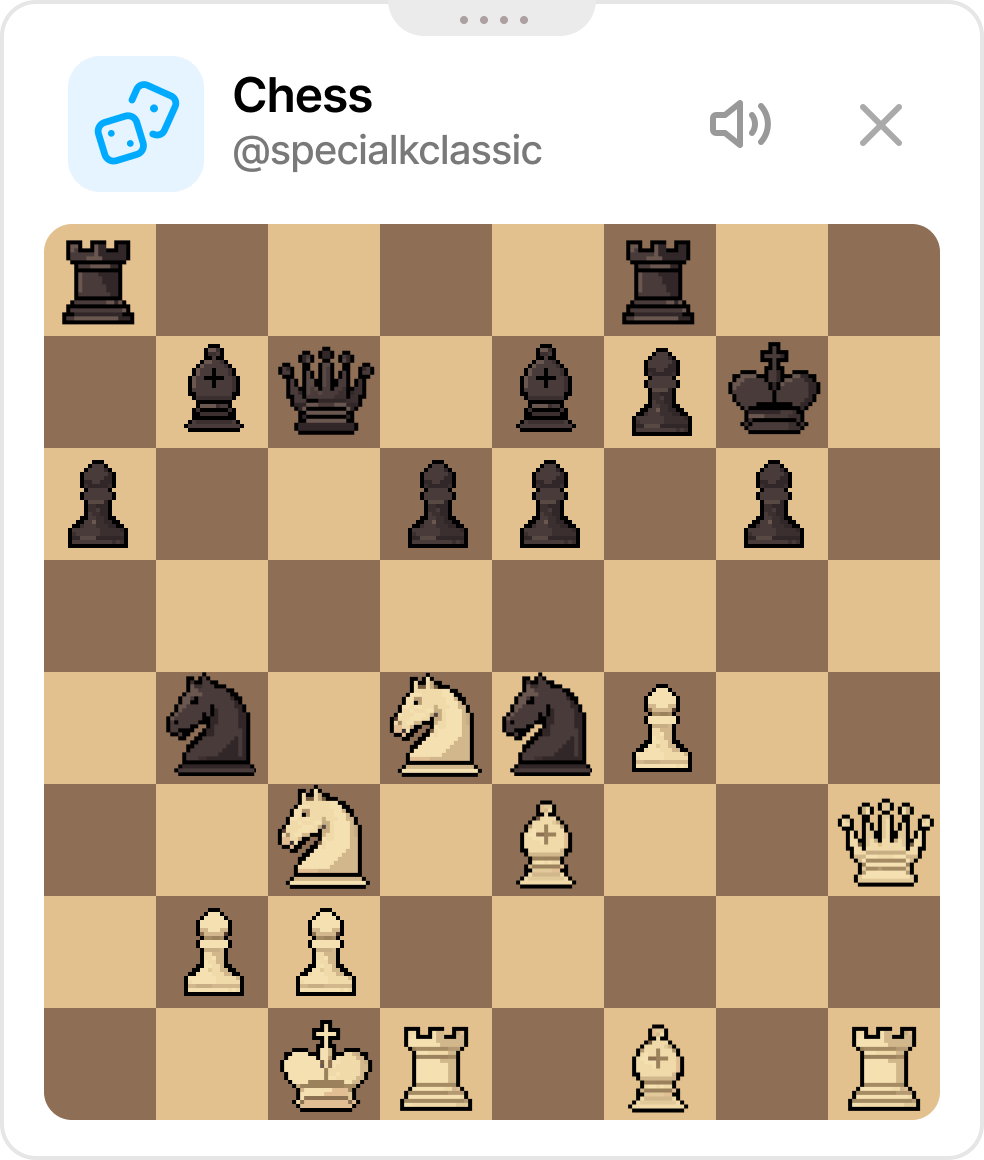
Playground is an opt-in games space that makes streams more interactive. Pick a game: invite an available viewer*, start playing, and keep chat nearby.
* Players both need the extension to play together
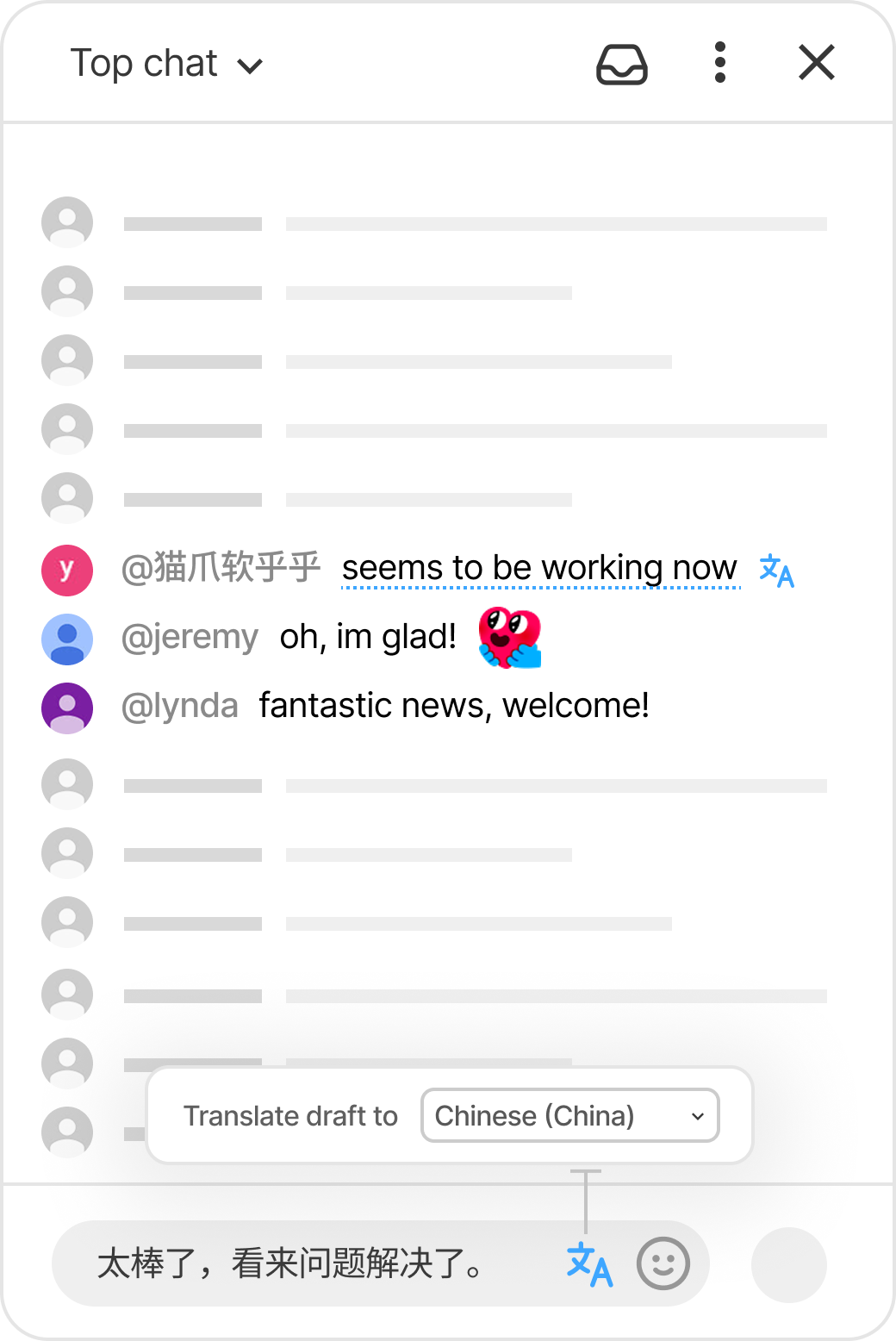
Incoming messages can be translated automatically. The chat box can also translate what you're typing before you send it.
Automated translations are highlighted with a subtle underline and a Google Translate icon
Two styles available:
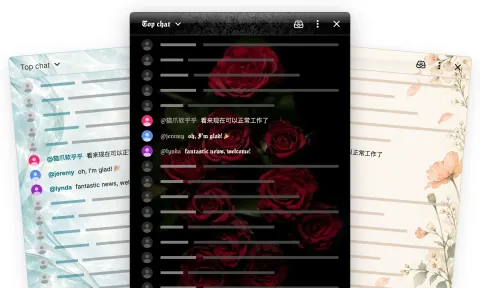
@猫爪软乎乎 Thank you!
@猫爪软乎乎 谢谢! Translated: Thank you!
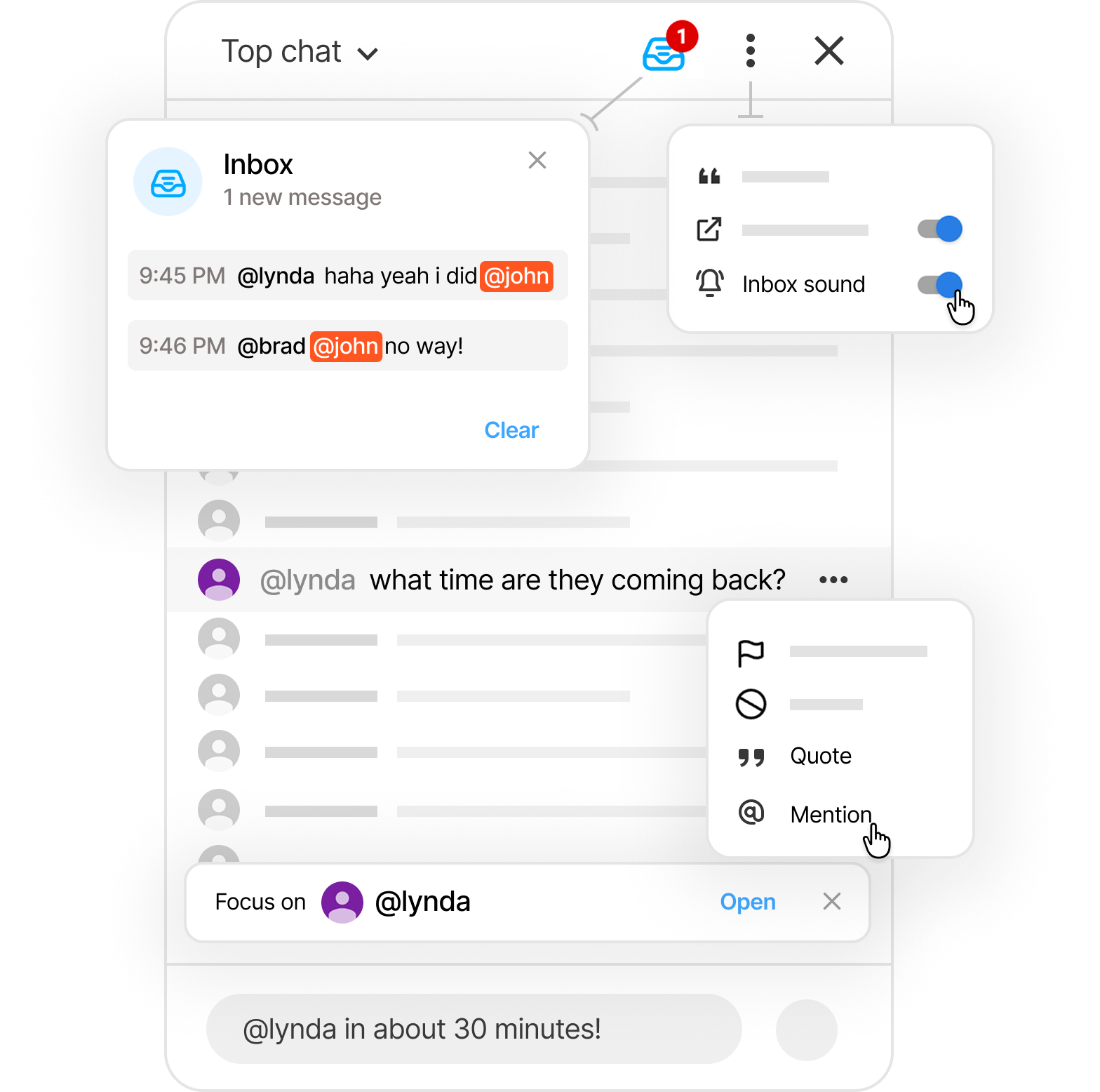
Reply without losing your place:
Never miss a mention: when you’re mentioned in chat, the message is added to your Inbox .
You can also turn on a sound for notifications.
/reply/mention/time <place>/timeuntil <time>/watch <word>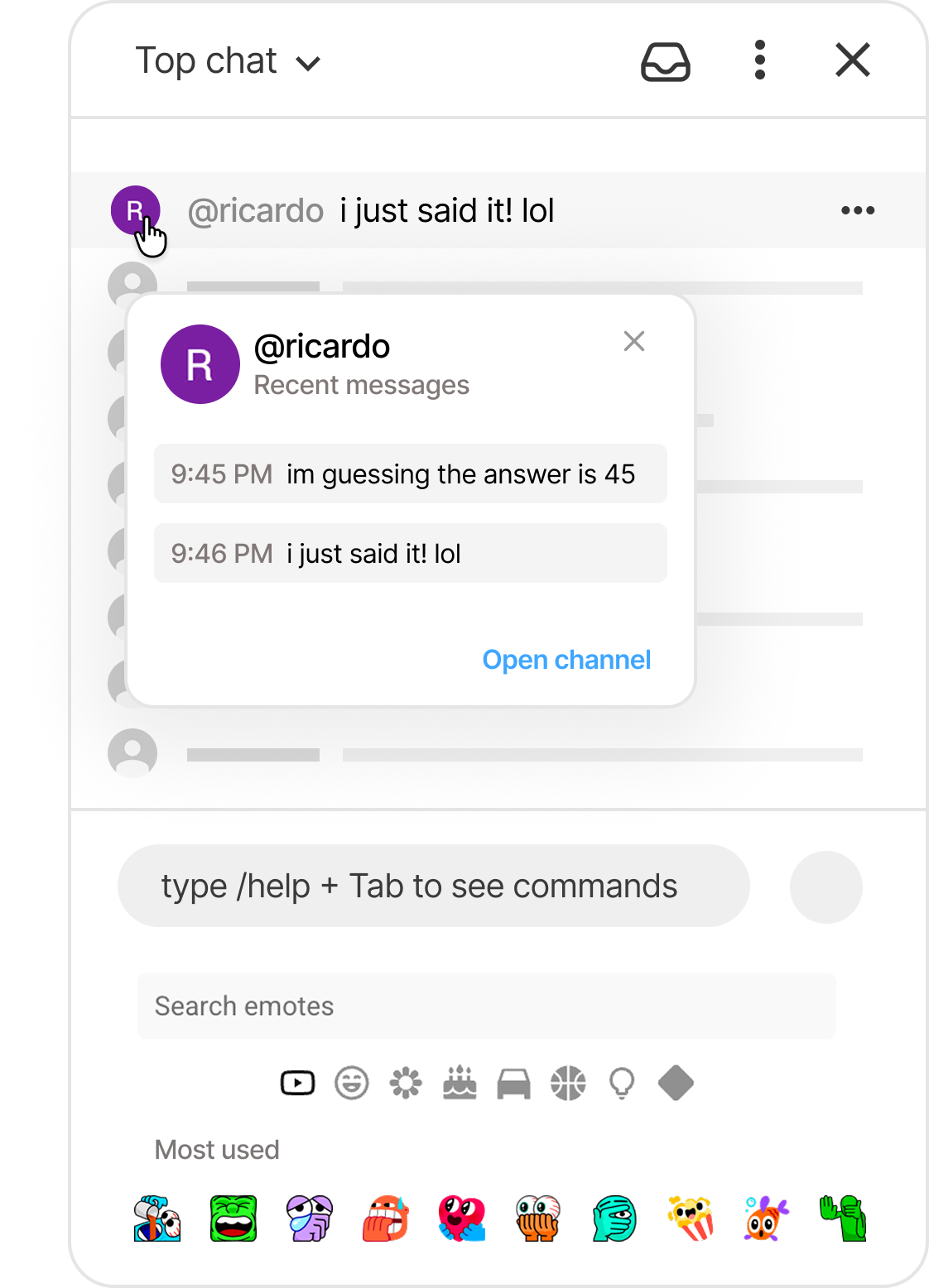
Get it from the Chrome Web Store, Firefox Add-ons, or the Mac App Store, or build the extension from source for local development. Other Chromium-based browsers can generally use the Chrome build.


Install, refresh YouTube once if it was already open, then use the extension where live chat already is.
Chat Enhancer to reveal all the options. Pin it if you want faster access. The extension is designed to keep routine chat enhancements on your device. Translation is the one feature that needs an external service, and it only runs after you choose a target language.
Use short commands for mentions, quotes, time checks, translations, inbox watches, and settings without leaving the chat box.
Press Tab to fill the message, review it, then send when you're ready.
Release notes and project updates for Chat Enhancer for YouTube.
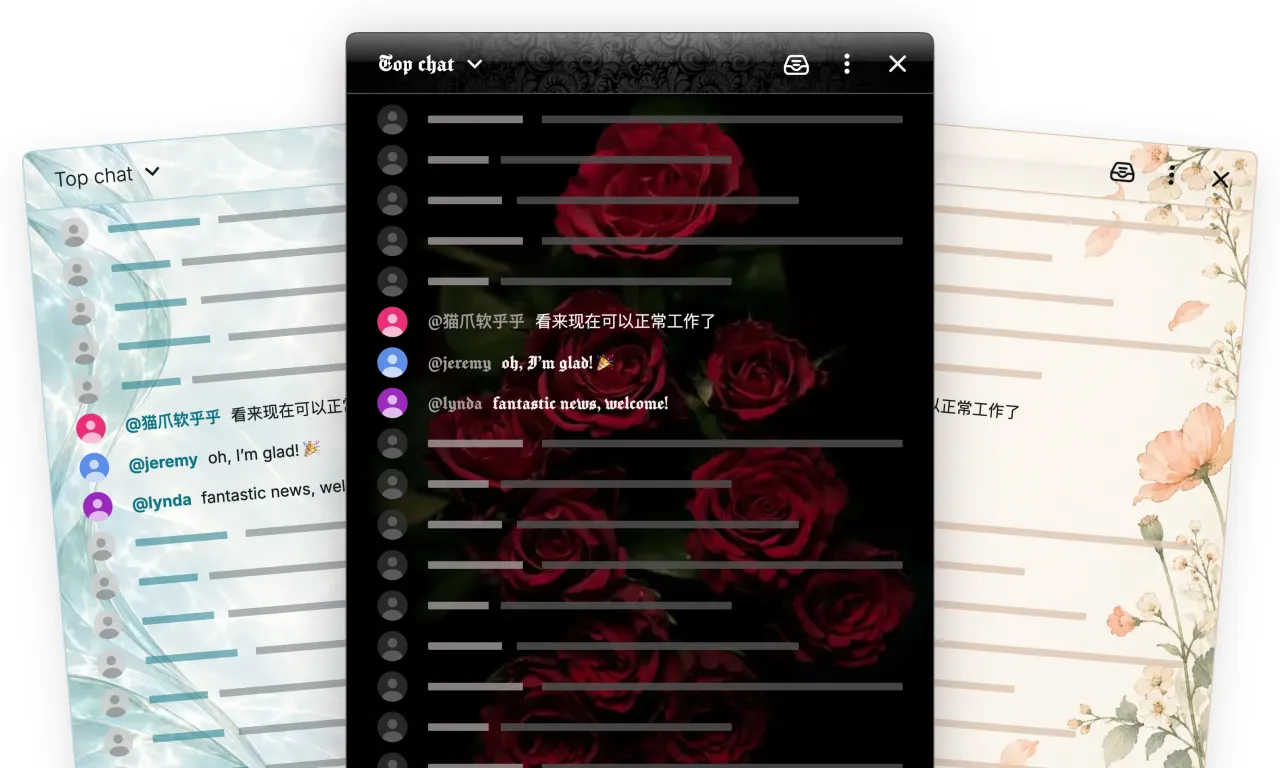 Introducing the Theme Editor Meet the Theme Editor: your colors, your fonts, your backgrounds, with an interactive preview to bring it all together.
 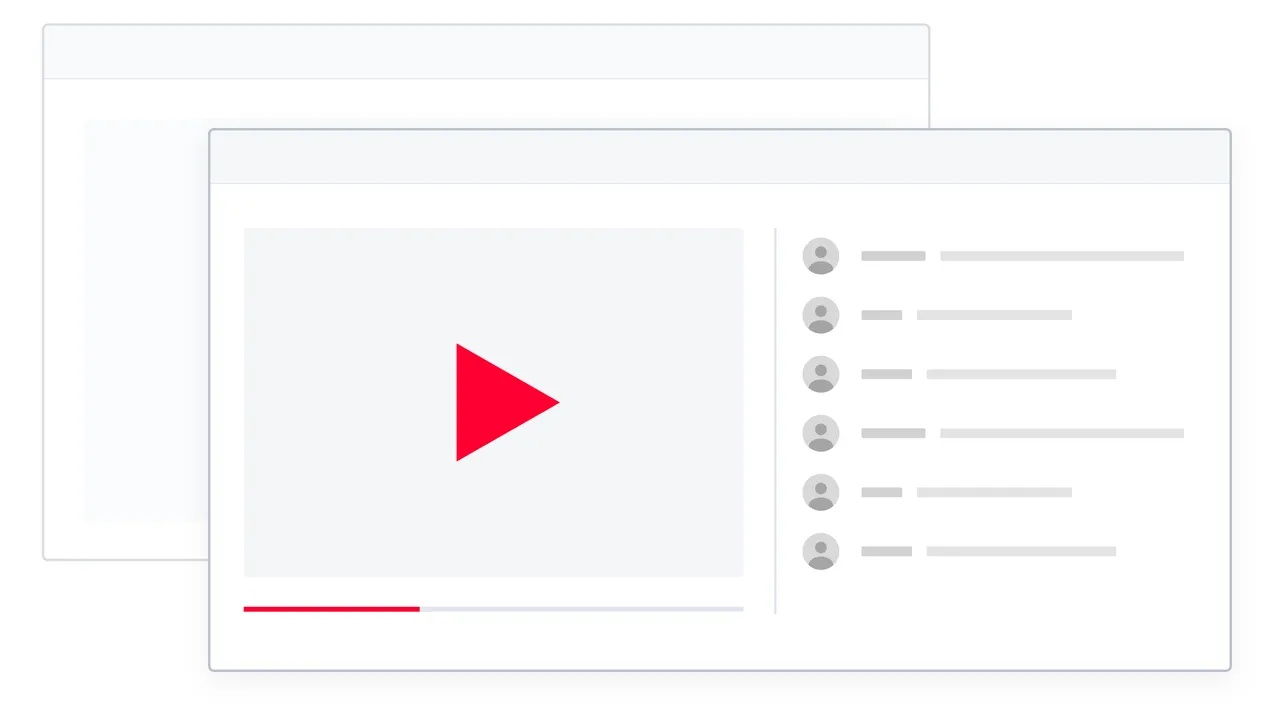 Video + chat PiP now available in 1.1.0 Keep a YouTube stream and its live chat together in a floating window while you use other tabs and apps.
  Chat Enhancer 1.0 is here Chat Enhancer has found its shape. Version 1.0 gives a name to the focused set of live-chat tools that has already been stable for a while.