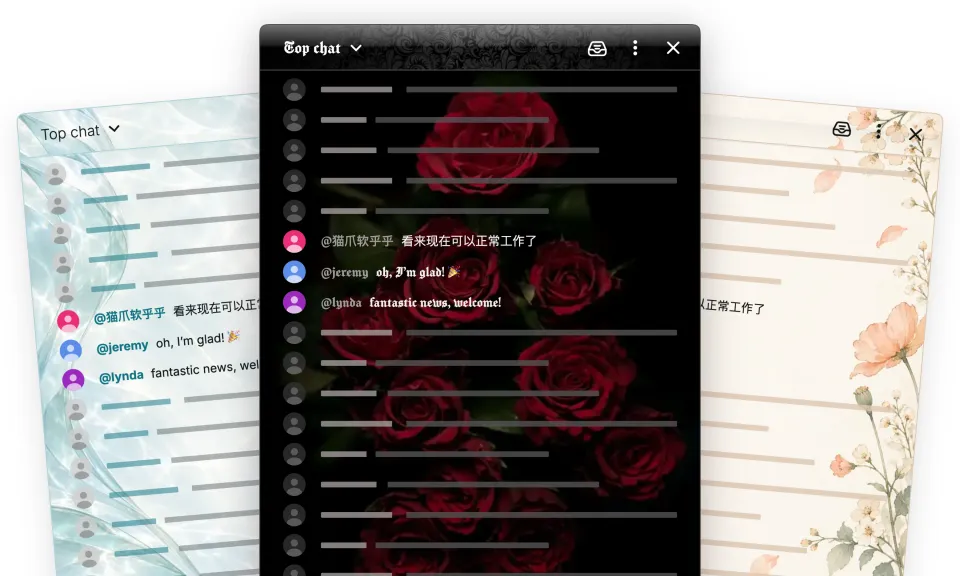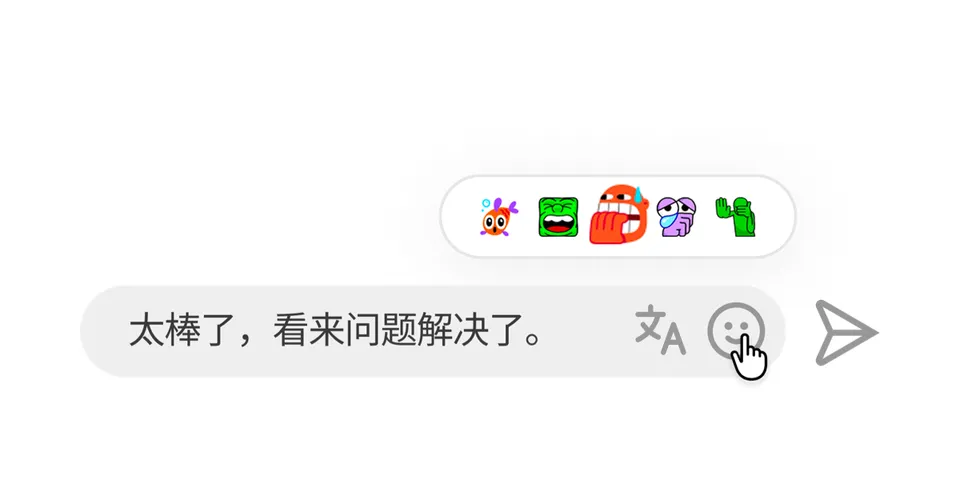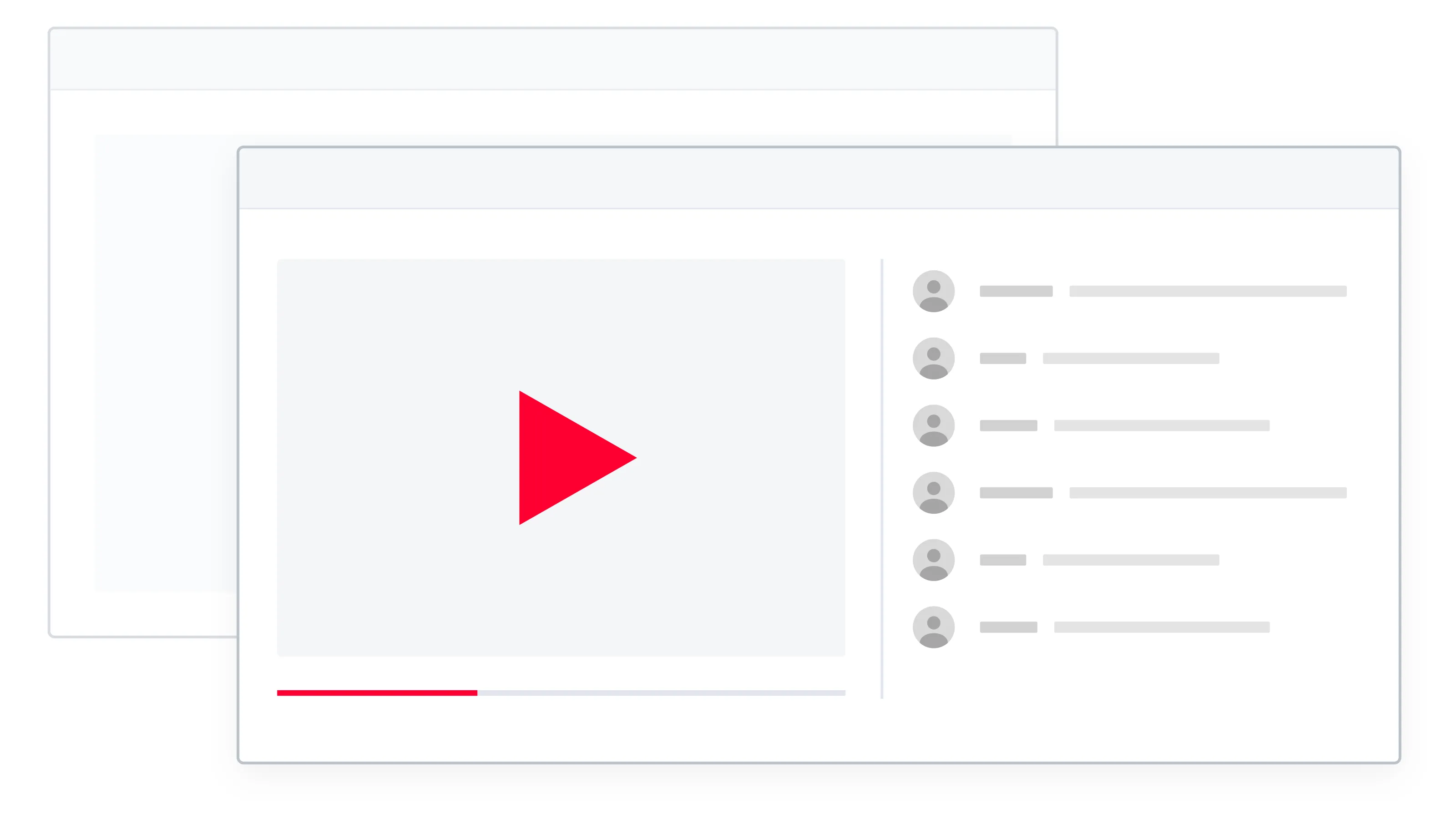
Keep watching a stream and follow the conversation while you browse, work, or take notes. Video + chat PiP brings YouTube’s player and interactive live chat into one window that stays above your other windows.
Move it to a convenient corner and keep watching. You can still read and reply in chat without switching back to the YouTube tab.
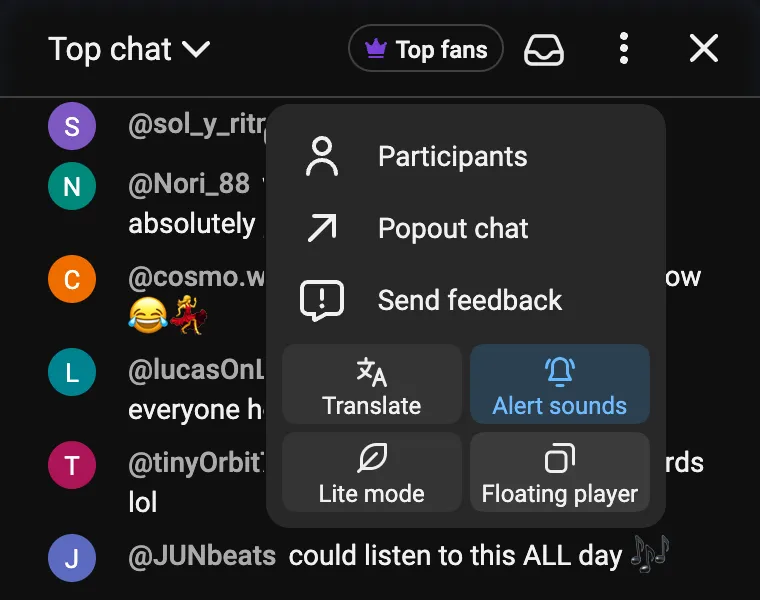
Open it from the chat menu
On a YouTube watch page with live chat open:
- Open the ⋮ menu at the top of the chat.
- Choose Floating player.
A small window that makes room for both
The window opens with the video above a compact chat. Resize it to suit your screen; make it wider and the video and chat sit side by side.
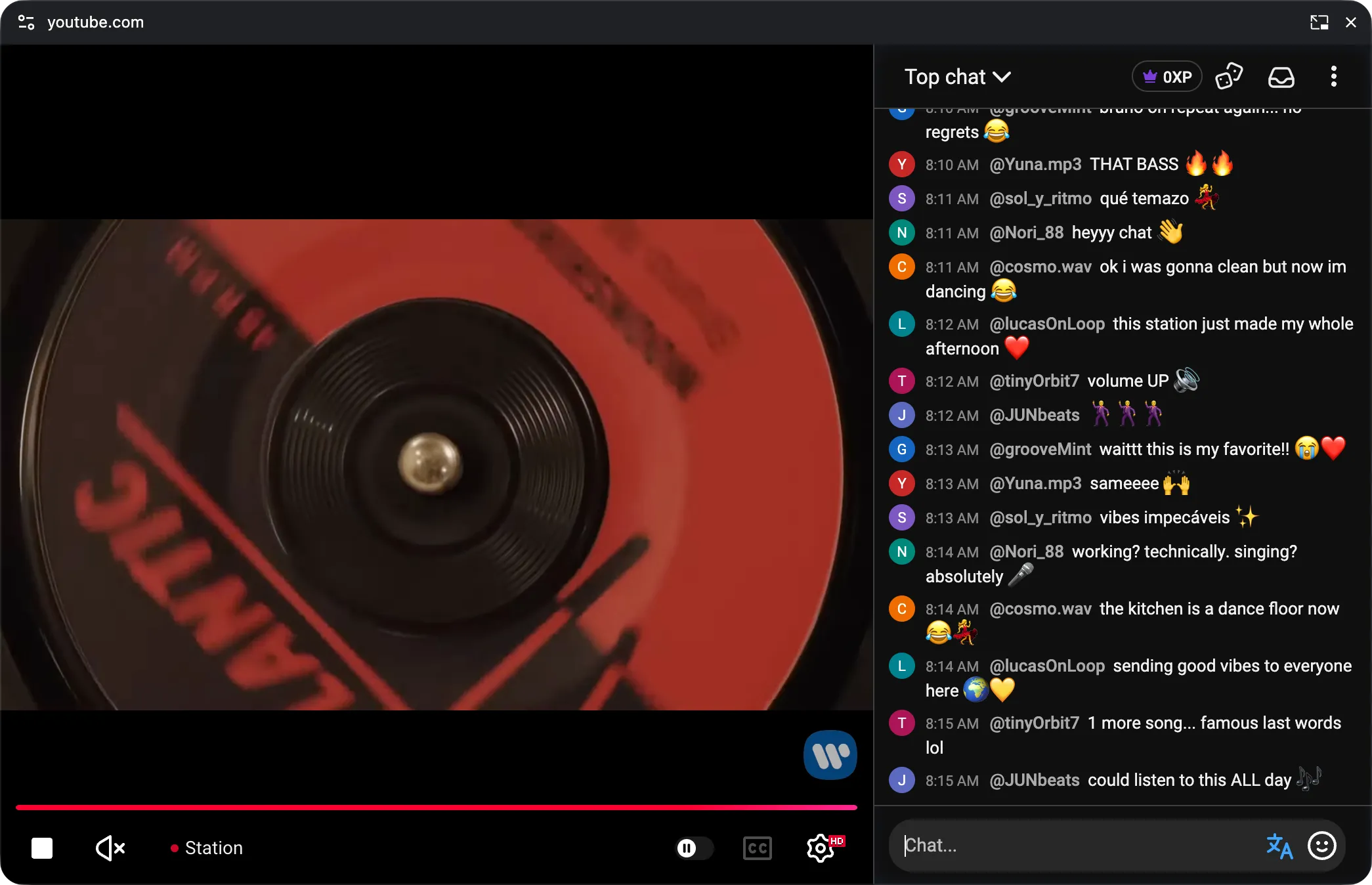
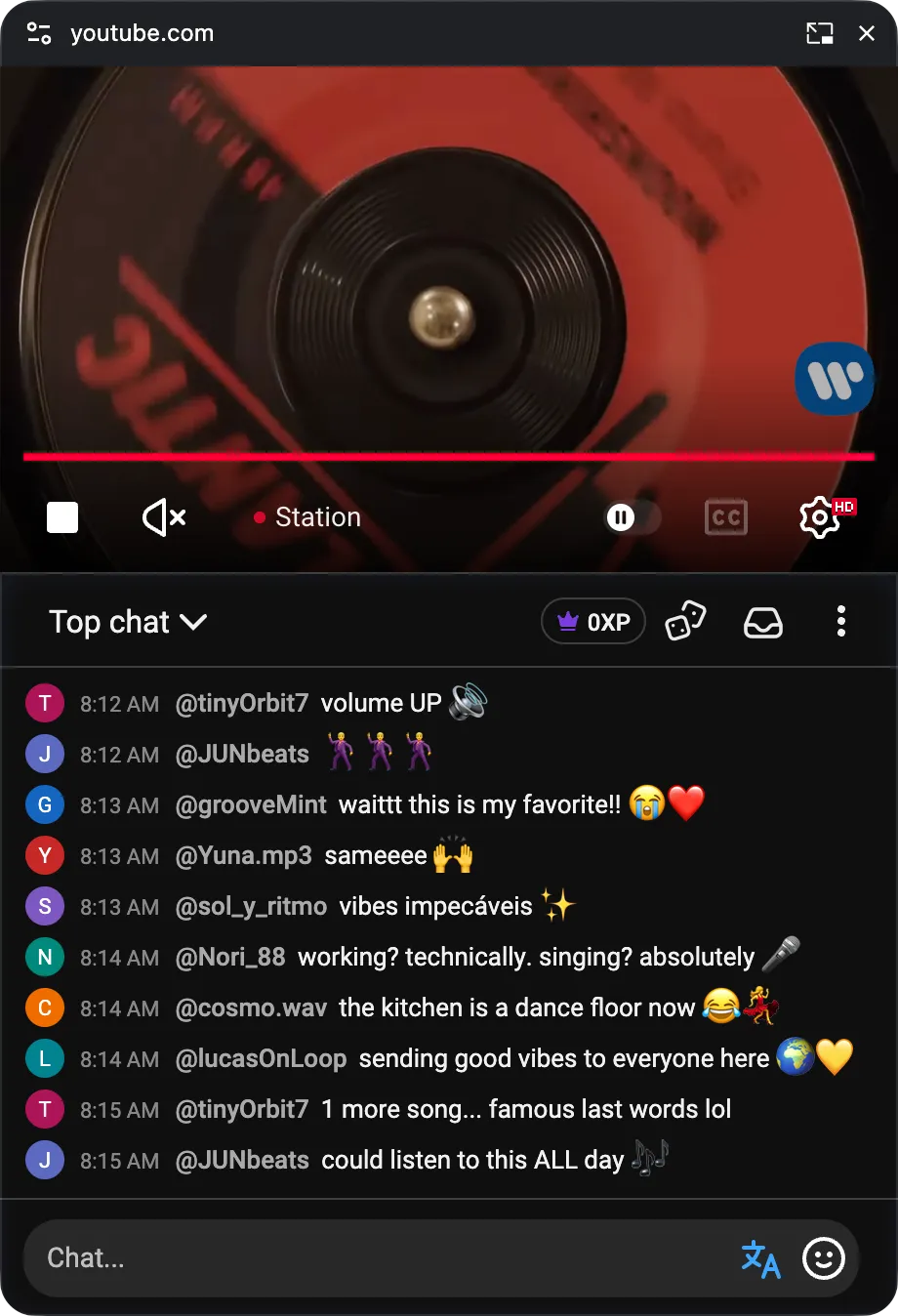
Familiar controls, right there
Pause, adjust the volume, change quality, seek through a replay, or turn on captions when the video supports them. YouTube’s player controls stay with the video, and your Chat Enhancer tools stay with chat.
 Chat Enhancer
Chat uses more compact spacing while it is in the floating window. Your usual chat density setting stays saved for when you return.
Back to the tab in one click
Close the floating window, or choose Return to tab in the original video or chat area. Both return to their places on YouTube, and your unsent chat draft comes with you.
Keep the original YouTube tab open while you use PiP. Leaving the stream ends the floating session.
Browser support
Video + chat PiP is available in supported desktop versions of Chrome, Edge, and Firefox. Safari does not currently support this combined video-and-chat window, so the option stays hidden there.
Have an idea that would make watching together better? Email us at [email protected].