Chat Enhancer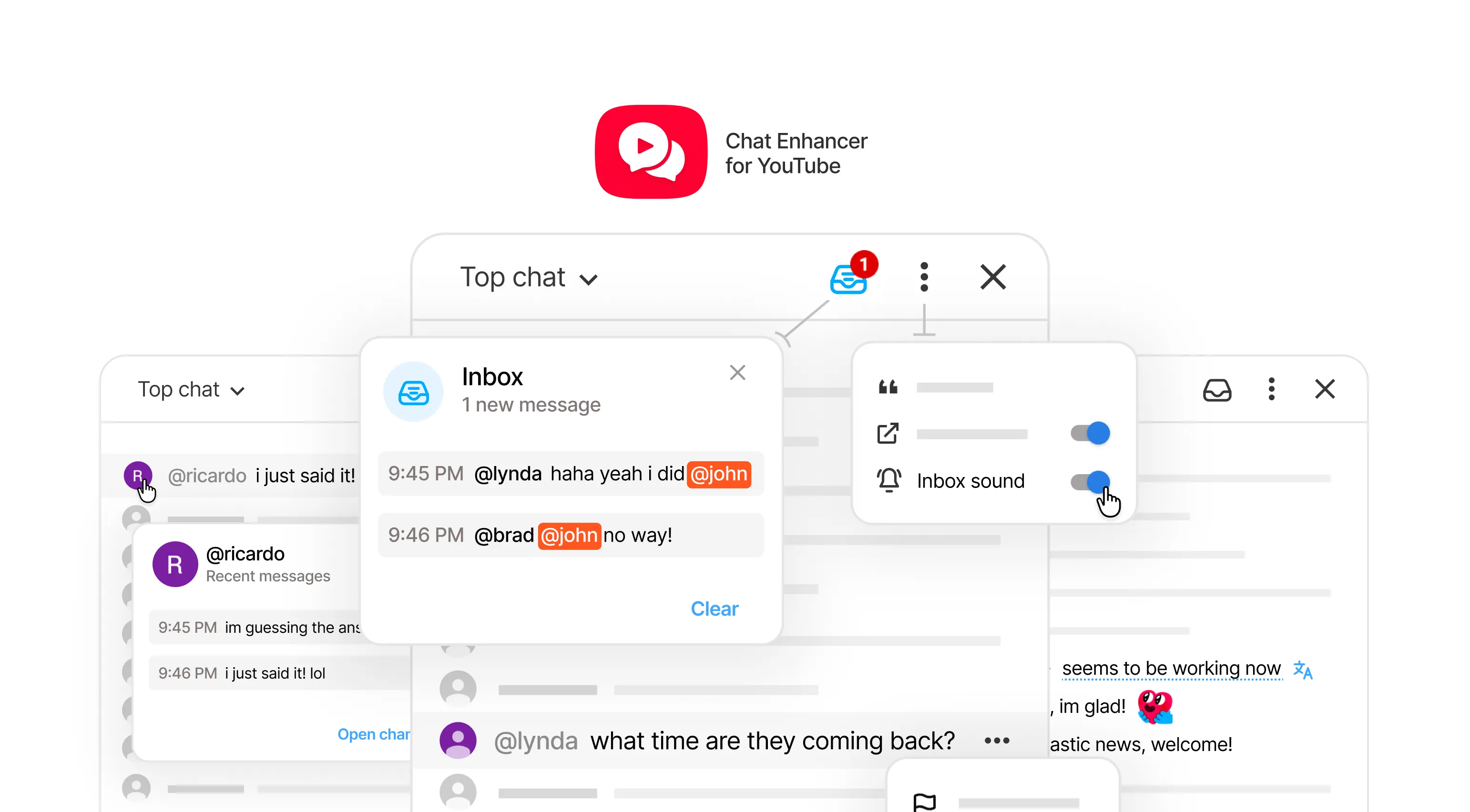
Why Chat Enhancer?
YouTube live chat moves quickly, but it does little to help you follow a conversation.
I started building Chat Enhancer during a long-running livestream with people chatting from around the world. The weak spots soon became obvious: mentions were easy to miss, conversations disappeared almost immediately, language got in the way, and there was little context about the people talking.
So I made the extension I wished YouTube live chat already had. Chat Enhancer sits inside YouTube rather than replacing it, adding a few useful tools while leaving the familiar chat intact.
Live translation
Language was the first problem I ran into. The chat had many Korean and Chinese messages, but translating the whole page also changed YouTube’s interface and made individual messages harder to pick out.
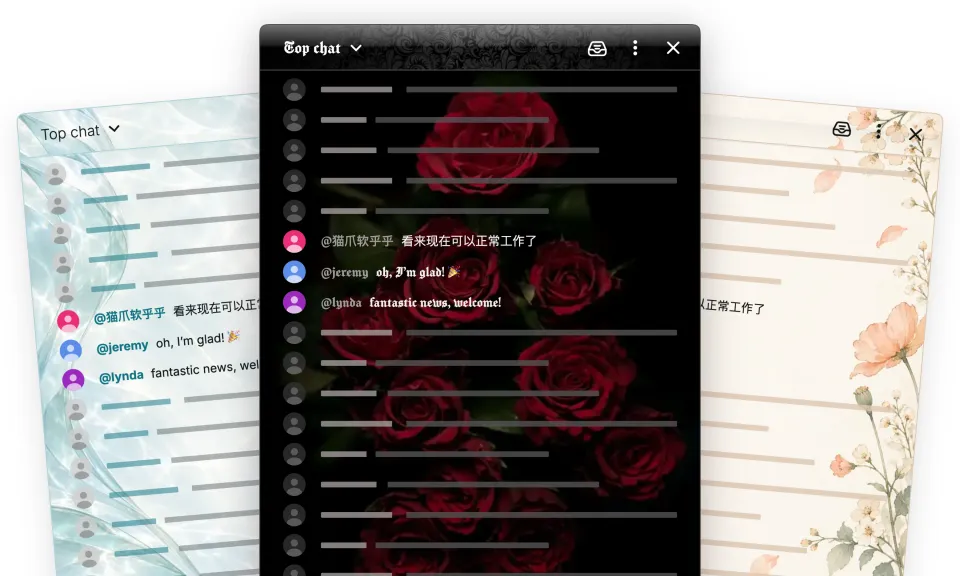
Chat Enhancer translates individual live chat messages while keeping emojis and mentions intact. Hover over a translation to see the original text and detected language.
You can also translate a draft before sending it, making it easier to join a multilingual conversation.
Translation uses Google Translate, so results will not always be perfect, but they can make a multilingual chat much easier to follow.
Inbox
Chat Enhancer adds an Inbox for mentions and watched keywords. If you look away or leave the stream in the background, you can catch up on relevant messages without searching the entire chat.
Better user context
Click a user’s avatar to see their recent messages or open their YouTube channel in a side panel. From that profile, you can add or remove a local avatar ring to make the user stand out in chat. You can save useful messages from recent-message, Inbox, and Focus rows, or from YouTube’s message menu. Each bookmark keeps the message and stream context.
Most-used emojis
Chat Enhancer adds a row for your most-used emojis, so you do not have to search the full picker every time.
Other small improvements
Other tools include quick mentions and quotes, message bookmarks, chat commands, and draft recovery—all designed to make the existing chat easier to use.
Chat Enhancer for YouTube is free, open-source, requires no account, and does not run analytics.
You can learn more at chatenhancer.com.